
Field notes / Astra × FreeCAD × MCP
Everything
in its
place.
One endoscope. A few little accessories.
A very specific idea for a box.
01 / The ask
I knew what
I meant.
Astra did too.
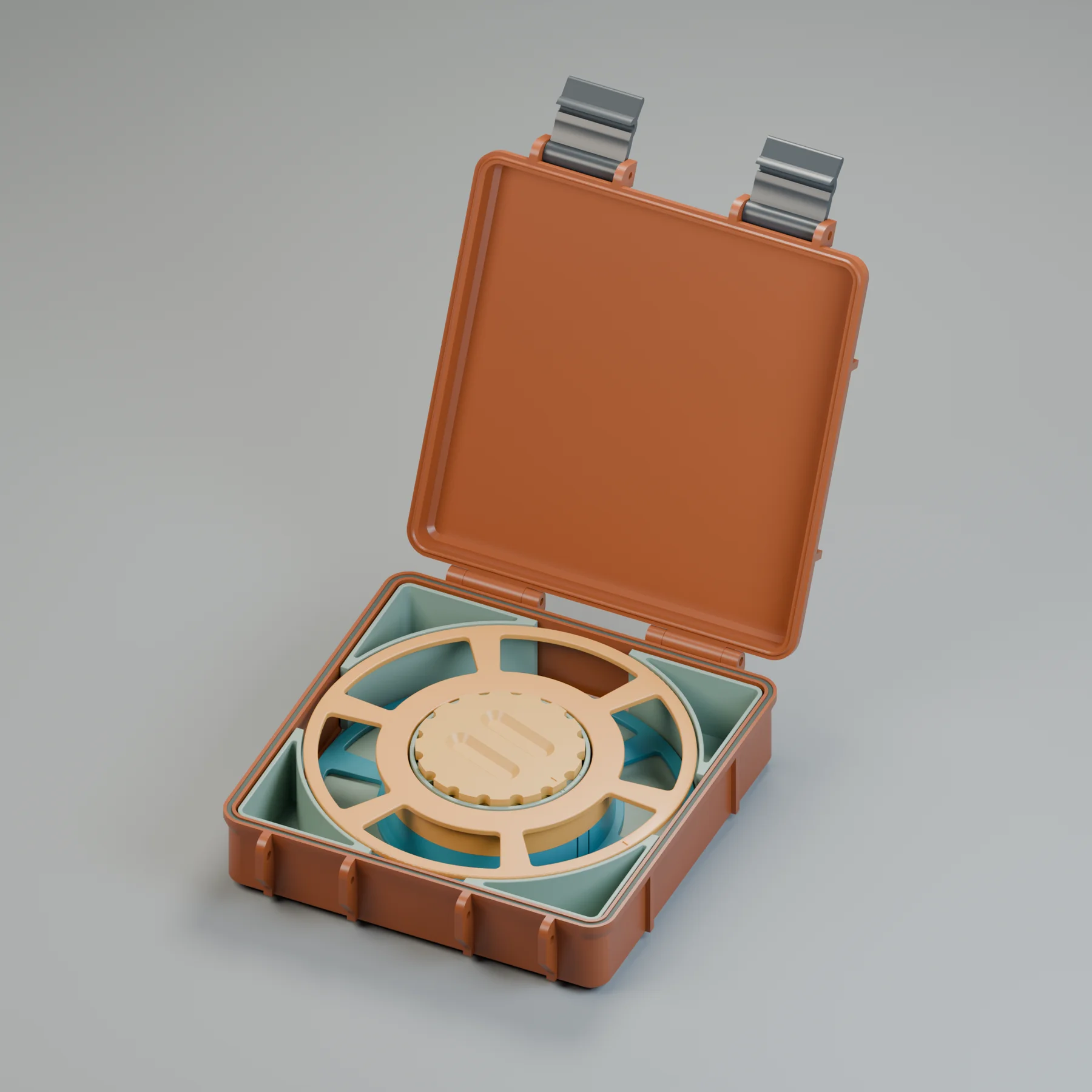
I wanted a storage box for an endoscope, with a place for its accessories right in the centre of the reel.
I used Astra to work in FreeCAD through MCP, describing the changes I wanted as we went. The surprising part was how well it understood the nuances, even when I didn’t have the right CAD vocabulary.
The starting point was a rugged-box design from Printables. From there: a native parametric rebuild in FreeCAD, a reel for the cable, and a custom insert that put the unused space to work.
What began as a storage problem became a test of how far I could get by explaining the thing I wanted to make.
02 / Inside the box
Use the middle.
Keep the corners.
The reel holds the cable.
The space around it holds the rest.
- 01
A box that can change.
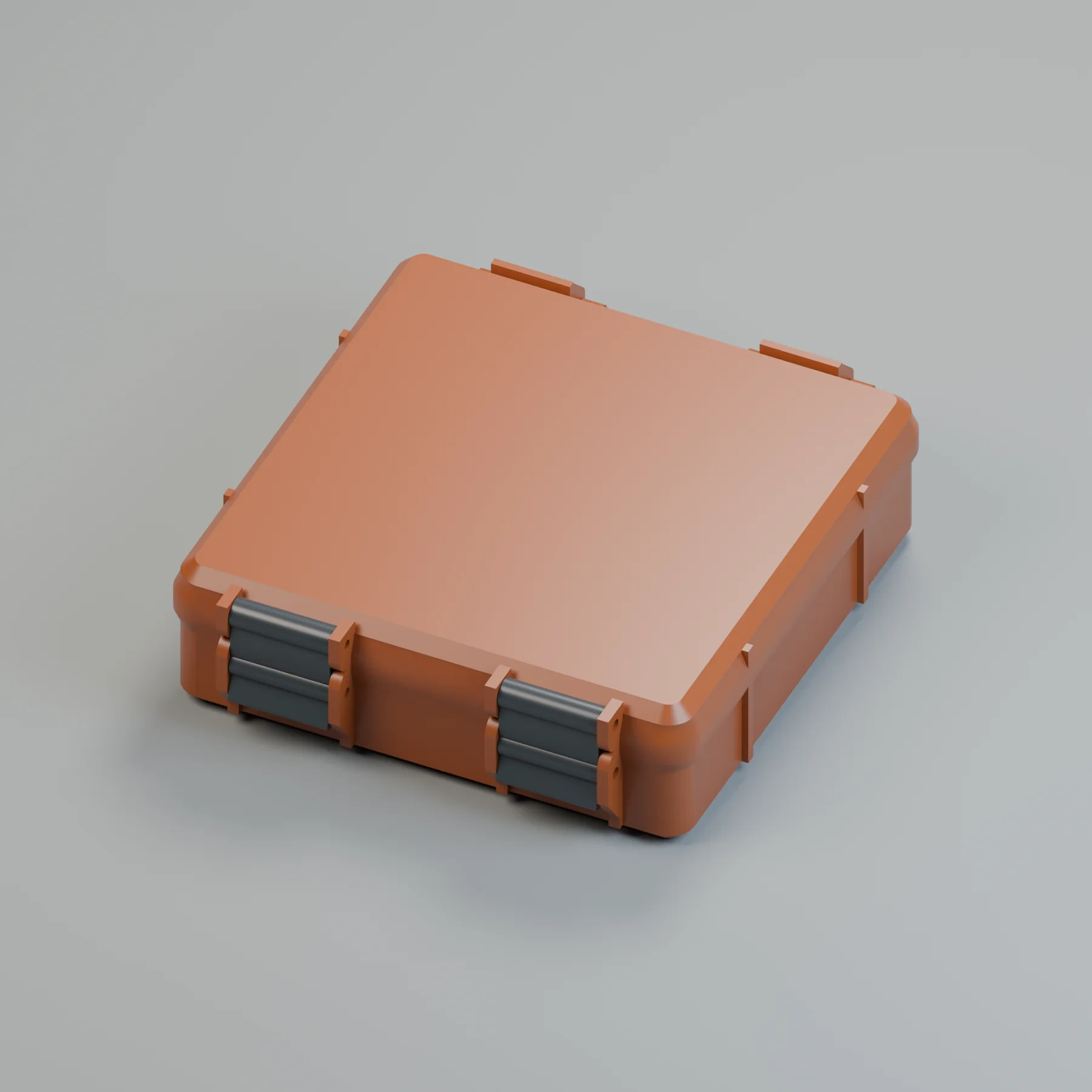
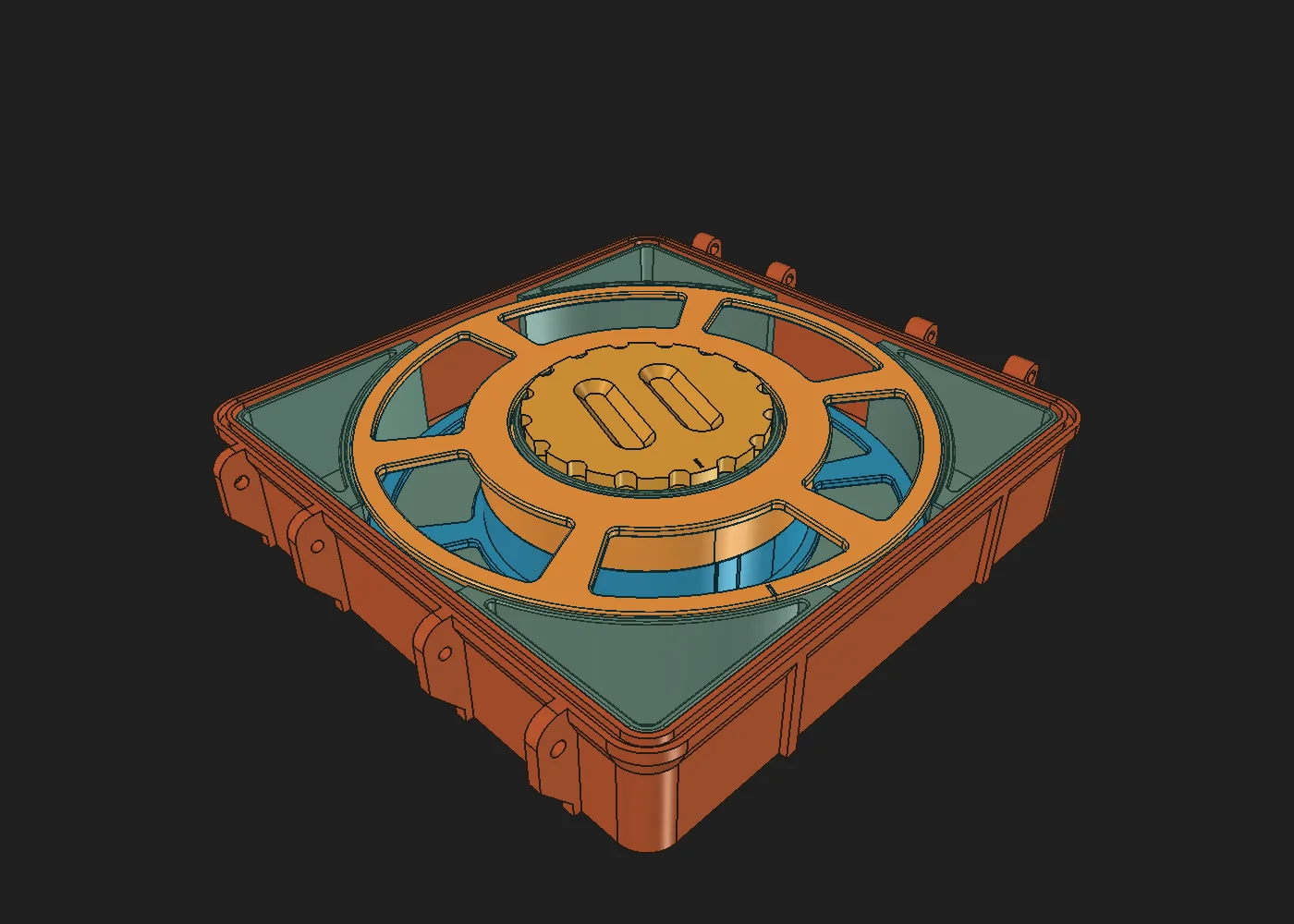
Internal length, width, box depth, lid depth and screw length are editable parameters. The lid follows the box footprint.
- 02
A reel in two halves.
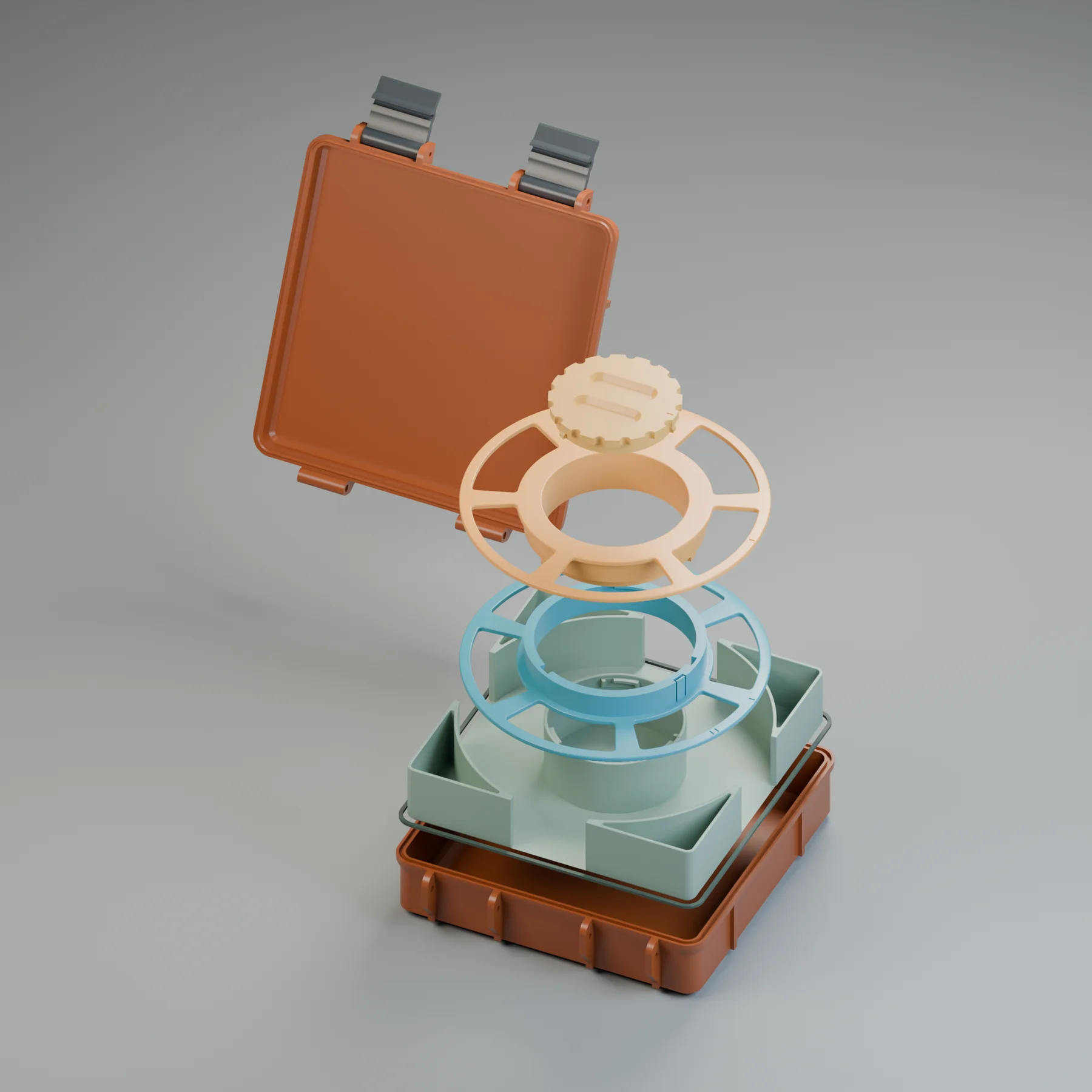
The spoked reel separates with a short twist. The cable winds around the hub, leaving its centre available for storage.
- 03
A useful middle.
A cup rises through the reel’s centre, with its own twist-lock cap for the small endoscope attachments.
- 04
Four bonus pockets.
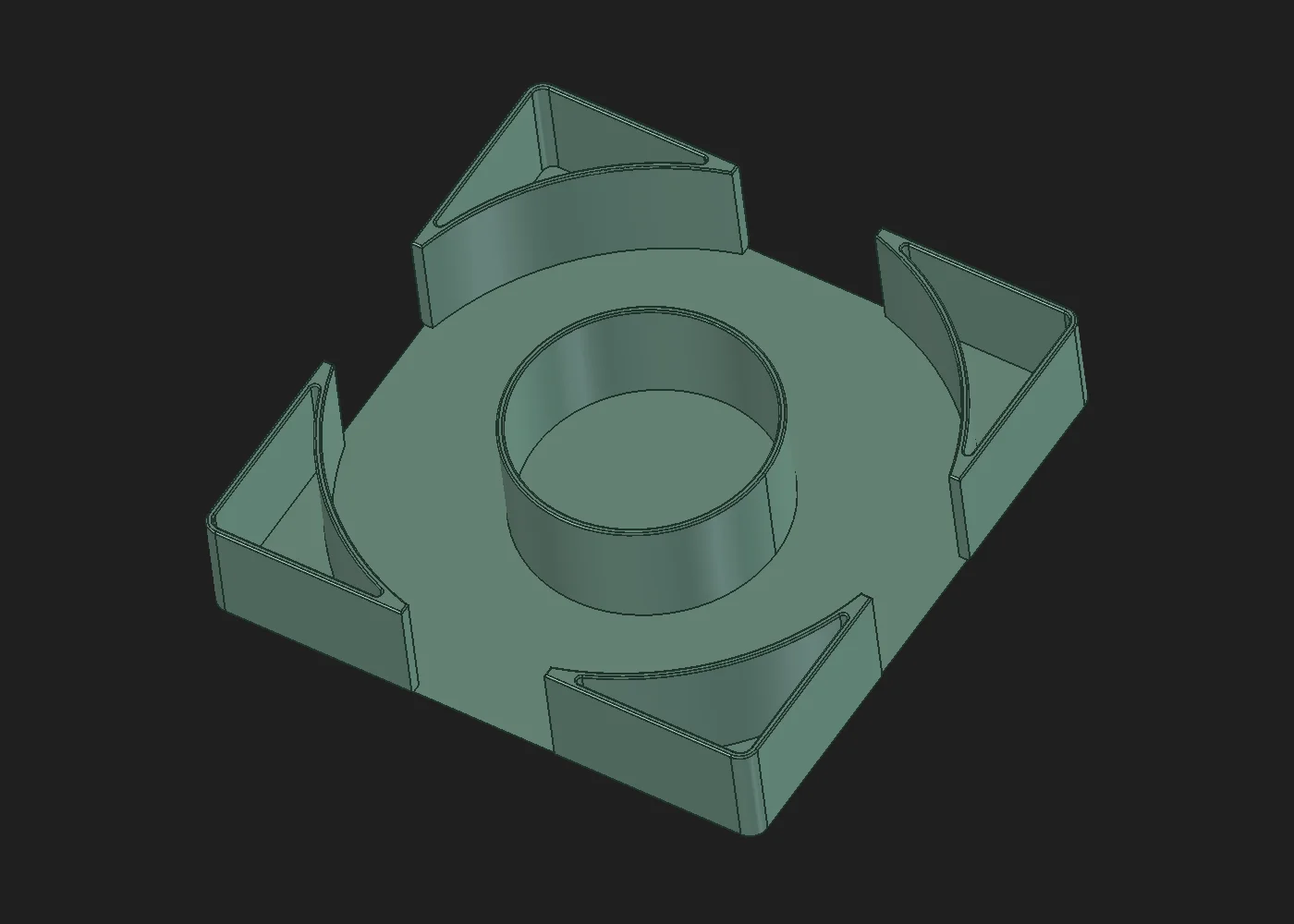
The removable insert follows the reel’s curve, turning the corners into compartments for extra accessories.
The detail that mattered
A little room
inside the hub.
The compartment was the point.
A separate central cup lets the reel lift out without taking all the little accessories with it. The cap has shallow finger recesses and a scalloped edge, so it can stay low enough to clear the lid.
The box is parametric. The custom insert and reel are sized for this version; changing the box dimensions means checking their fit again.
- 140 × 140
- mm / internal footprint
- 30 + 10
- mm / box + lid depths
03 / How it fits
A box.
In parts.
Open. Unlock. Lift.
Then put it all back together.
12-second loop / Rendered from the CAD assembly. Illustrative motion; physical fit is still to be checked.
Read the animation’s visual story
The camera circles the box as the clips swing outward and the lid opens. The centre cap twists and lifts. The reel lifts out, unlocks and separates into two halves. The insert rises, followed by the lid and gasket moving into an exploded arrangement. The sequence reverses to reassemble and close the box. There is no speech or soundtrack. The animation shows the designed assembly, without a cable or stored accessories.
04 / Making it real
From a conversation
to the build plate.
Astra → FreeCAD → STLs
→ Bambu Studio → …
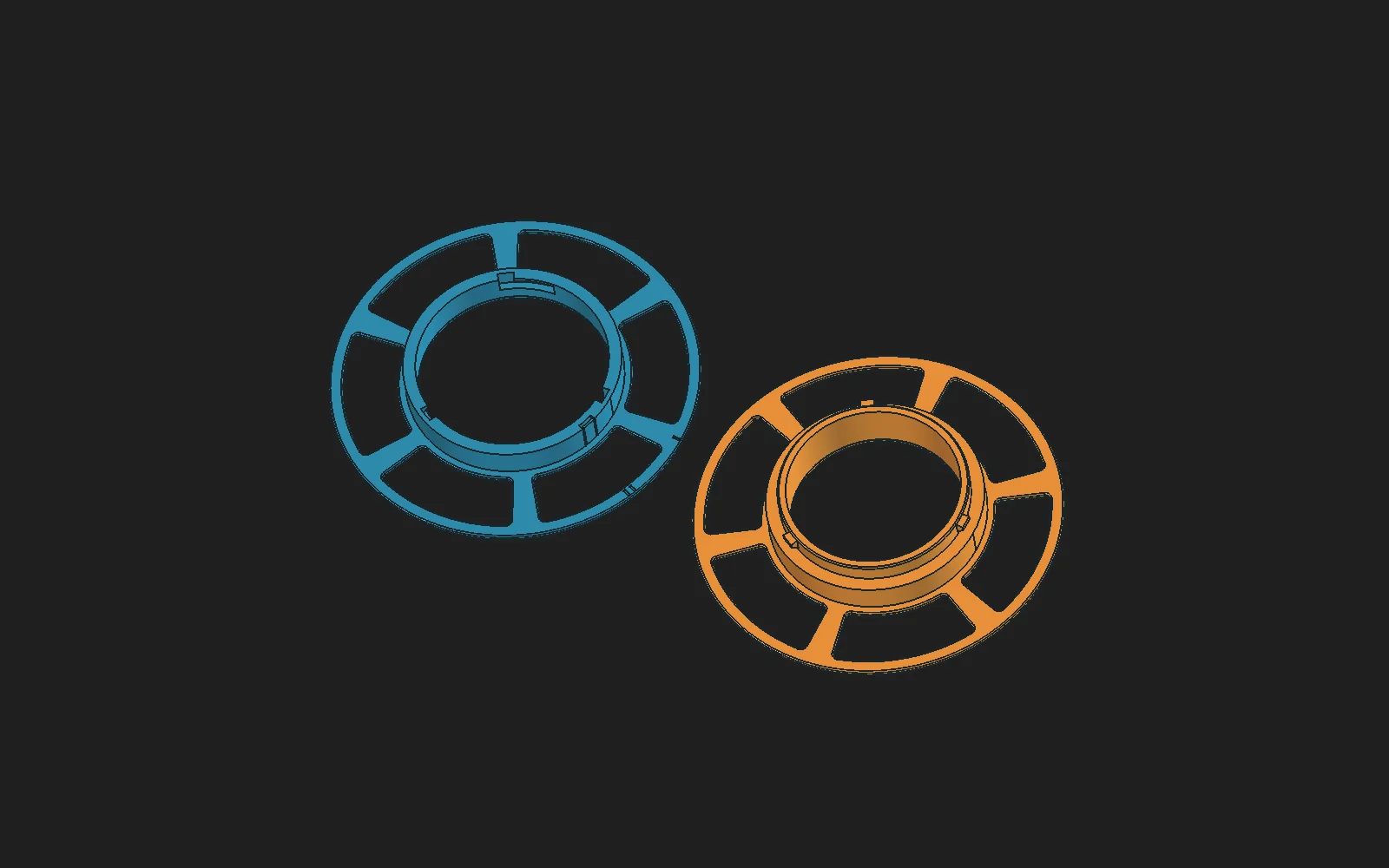
Astra produced the STL files, and I imported them into Bambu Studio. The final export set has nine parts: the box and lid, two clips, a seal, two reel halves, the storage insert and its cap.
The saved geometry checks found closed meshes and checked the parts for interference. That gets the design to the printer. How the cap turns, how the reel clicks together, and how everything actually fits still need the physical parts.
Current status / First print
Still printing.
The model is ready to try. The result is still on the build plate.
The unexpected part was being understood.
Now I’m waiting to hold the answer.